
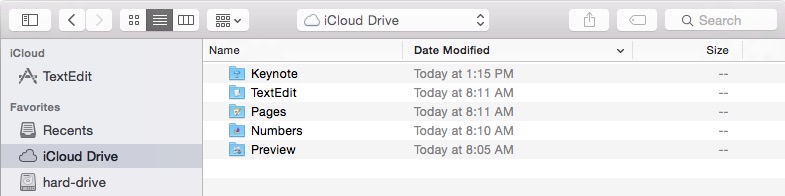
When starting a program, such as TextEdit for example, a Finder dialog box opens up. Normally dialog boxes have the familiar red, yellow, and green buttons in the top left that let a person maximize, minimize, or close a window. With Yosemite, these controls are missing as can be seen in the window heading below. Click the image to enlarge.
 Iowa City Technology Services