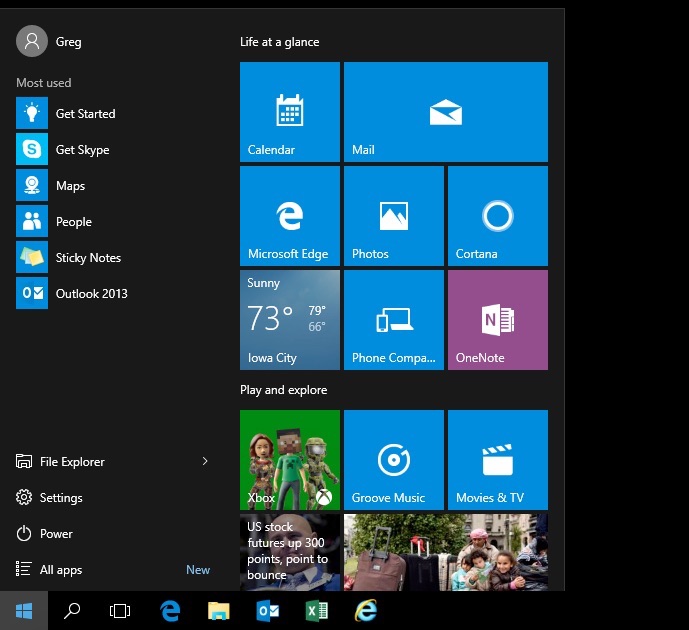
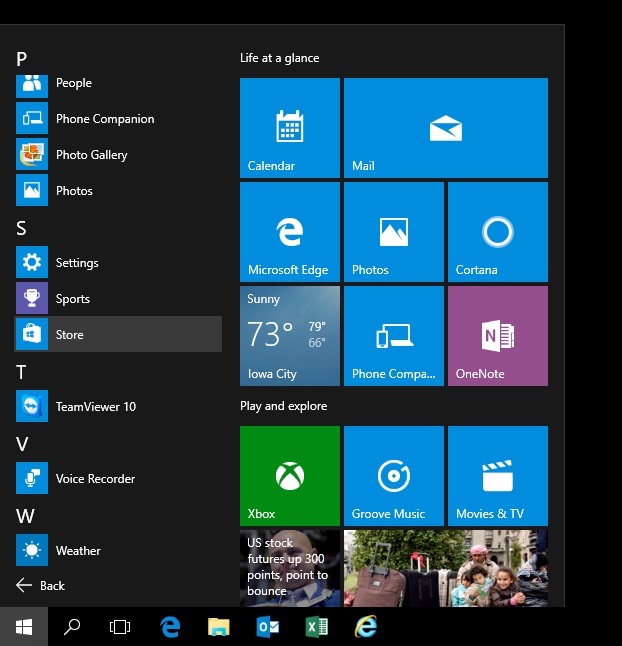
If you’ve recently uploaded to Windows 10, you may need some help finding your way around. The instructions below show how to find and run the TeamViewer program assuming it’s already installed.
The example given in these three steps is the browsing/exploring method. Alternatively you could use the searching method by clicking the start menu icon and then typing the name of what you’re looking for.
Step 1 – Click on the Start Menu

Step 2 – Click on All Programs

Step 3 – Scroll Down the List
 Iowa City Technology Services