
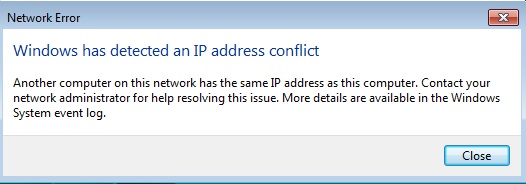
If you get a message similar to the one above, it means that the network (wired and/or wireless) has mistakenly issued the same IP address to two devices.
This can happen when one device goes to sleep, and the router releases that IP address for use again by another device. Then the original computer (or mobile device) attempts to grab the same IP address. The error message will appear.
The problem can also happen if any of the devices on your network have fixed IP addresses. If the device with a fixed IP address wakes up or is turned on, and requests it’s internally defined fixed IP number, but that number is in use by another device, the error will appear.
The best solution is to turn the device off and then back on (restart). In most cases, this will cause the automatic process of requesting and being assigned the next available IP address (DHCP) to fix the problem.
For a server or other device that has a fixed IP address, you may need to turn those devices on first. Let them get their fixed IP addresses assigned. Then turn on other devices.
 Iowa City Technology Services