Source: Geek Gurl Diaries
How to set up your Raspberry Pi with the New Out of Box Software (NOOB)
Source: Geek Gurl Diaries

Source: Geek Gurl Diaries

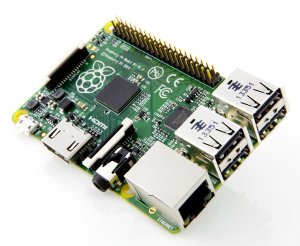
The Raspberry Pi computer is a $35 system board that you can connect your mouse, keyboard, and monitor to. [Buy]
The system has HDMI, USB, And Ethernet ports, as well as an audio jack to connect a headphone or speakers.
Here’s a description from the RaspberryPi.org website:
“The Raspberry Pi is a credit-card sized computer that plugs into your TV and a keyboard. It is a capable little computer which can be used in electronics projects, and for many of the things that your desktop PC does, like spreadsheets, word-processing and games. It also plays high-definition video. We want to see it being used by kids all over the world to learn how computers work, how to manipulate the electronic world around them, and how to program.” (source)
Learn more at eLinux.org/RaspberryPiBoard or Wikipedia.
The model discussed on this page is the Raspberry Pi B+ design. Here are the specifications and enhancements over the previous model.
As seen on the Manufacturer’s website – MODEL B is the original Raspberry Pi, MODEL B+ is the higher-spec variant of the Raspberry Pi. It replaced the original Model B in July 2014. Compared to the Model B it has:
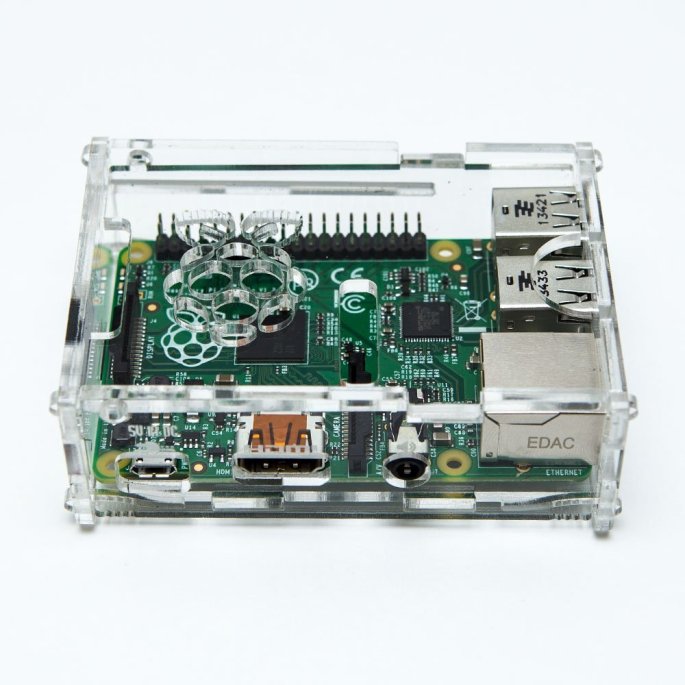
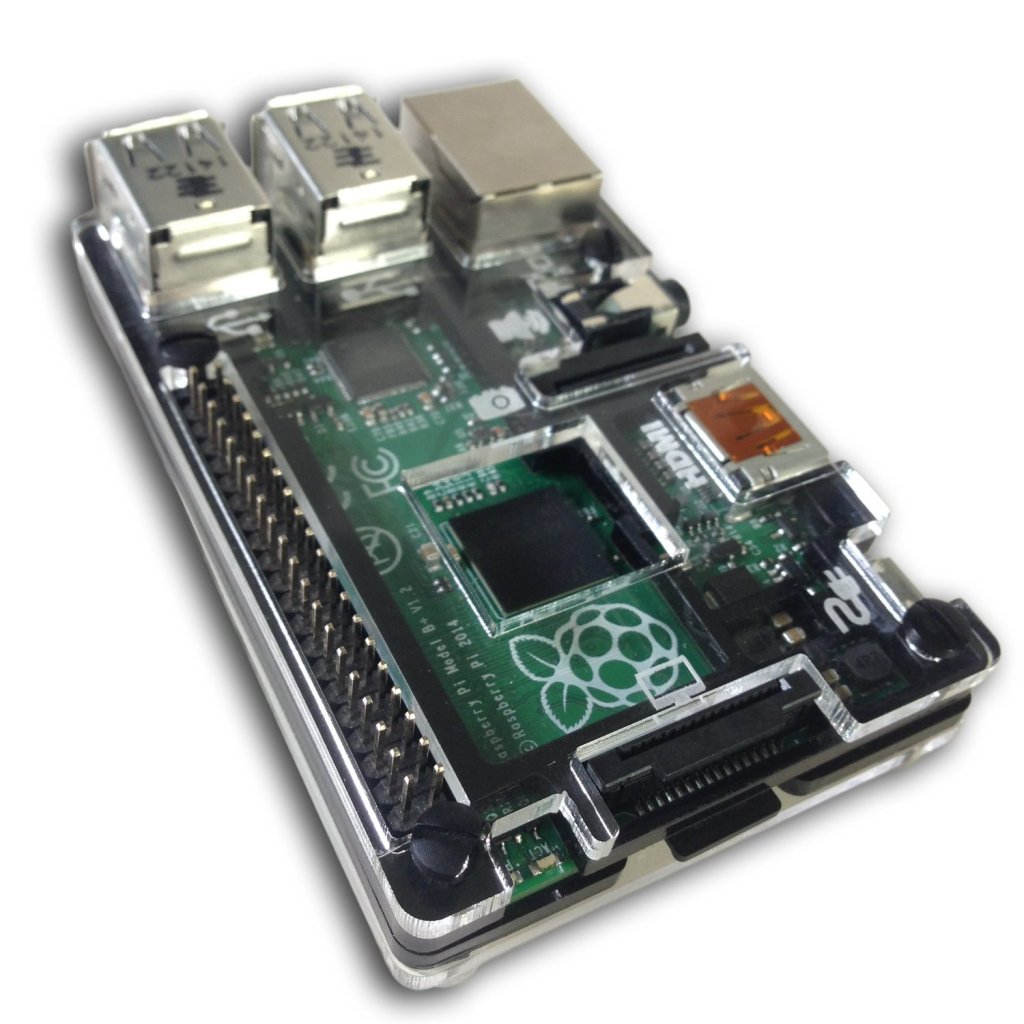
Below are some Raspberry Pi B+ enclosures and cases. Click any image for more details.



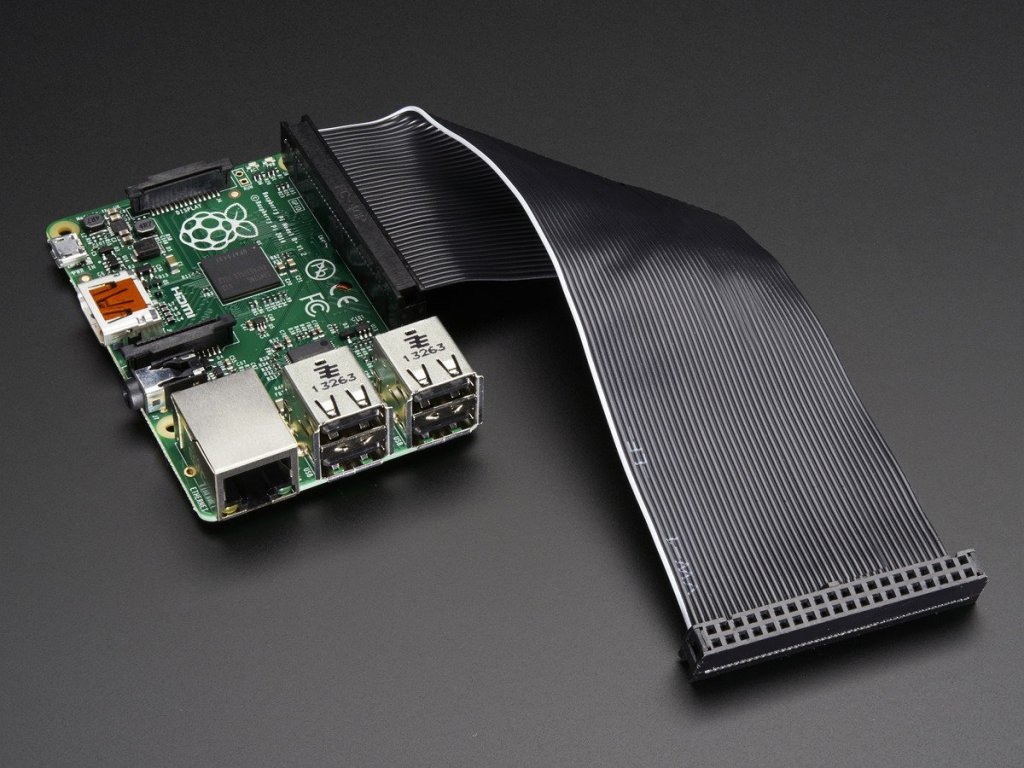
The GPIO cable allows for expansion and special applications. The one pictured below is expensive considering that others are available at lower prices. It’s an IDE cable, so any other should work. This one looks nice in black.
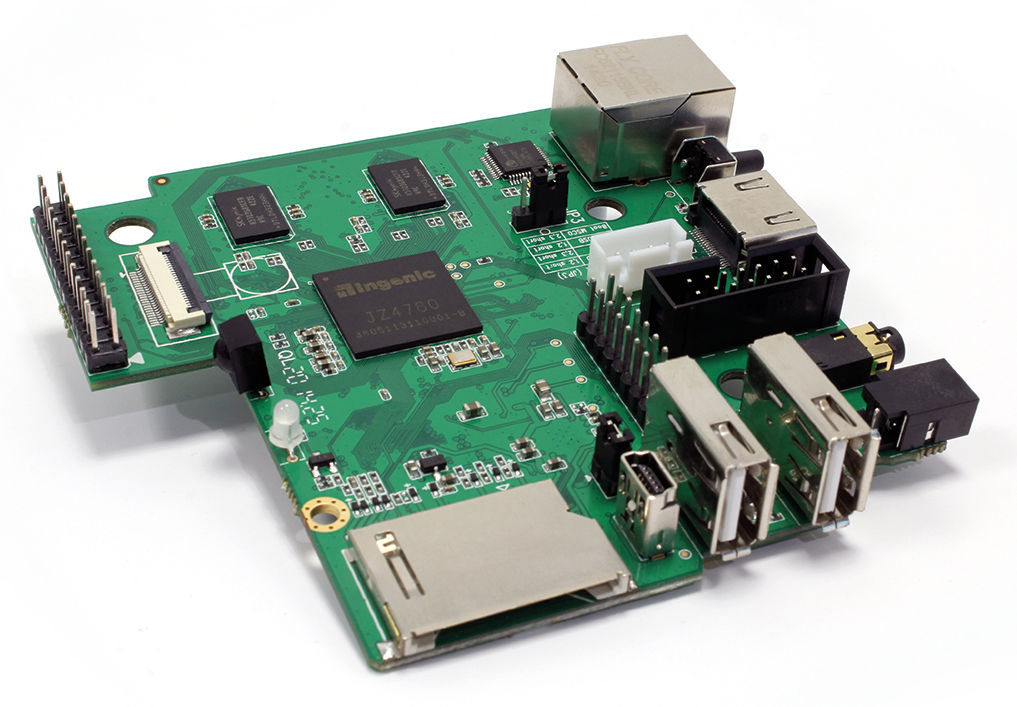
With the popularity of the Raspberry Pi, other manufacturers are creating similar devices. The MIPS Creator CI20 is similar to the Raspberry Pi, but reportedly more powerful and it comes pre-loaded with Debian7 Linux. Learn more on the CI20 information page. Visit the registration page to inquire about purchasing a MIPS Creator CI20. PC World has a nice article on the CI20.
 Iowa City Technology Services