Problem Summary
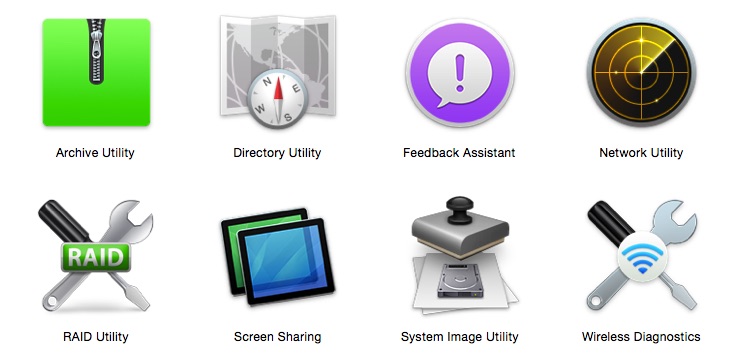
Many of the critical Apple utilities that were previously available in the Applications > Utilities folder are now hidden. These instructions show you how to gain access to them.
Problem Solution
Follow these instructions to gain access to these important system utilities:
- Go to the Finder (click on your desktop once or click on the face in the lower left of your dock).
- From the Go menu, choose Go to Folder and paste in this address:
/System/Library/CoreServices/Applications/ - This will take you to the folder where the special utilities are located.
- You can use this method anytime to access the utilities. Or, to save yourself some trouble, click and drag any of the utilities individually to the Dock.
 Iowa City Technology Services