
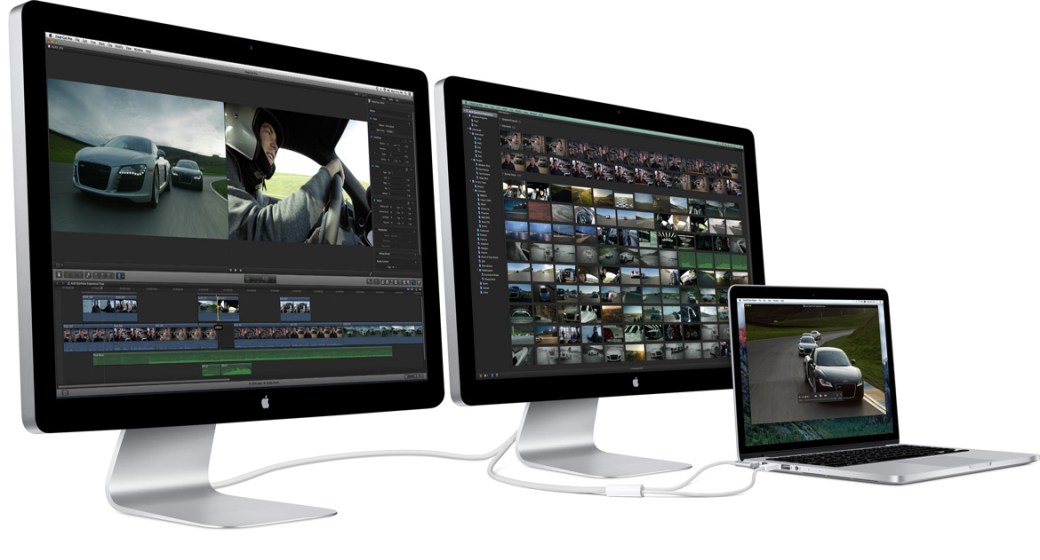
If you have an Apple Mac computer with a second Apple display attached, you can adjust the brightness using the following keyboard key combination on an Apple keyboard:
Hold the control key while pressing the brightness up or down keys (F1 / F2)
This only works with Apple displays and may not work on all Apple computers. This is typically an issue for people with MacBook laptop computers since the common configuration is to use the built-in display and also an external Apple display.
 Iowa City Technology Services