If you’re using Avast AntiVirus for Mac and would like to use the Apple Mail program, you may notice a security certificate error when trying to access your email provider.
Avast has a 23 page document explaining how to correct this error. The steps involve exporting a certificate from Avast and importing it into your mail client.
Alternative Option
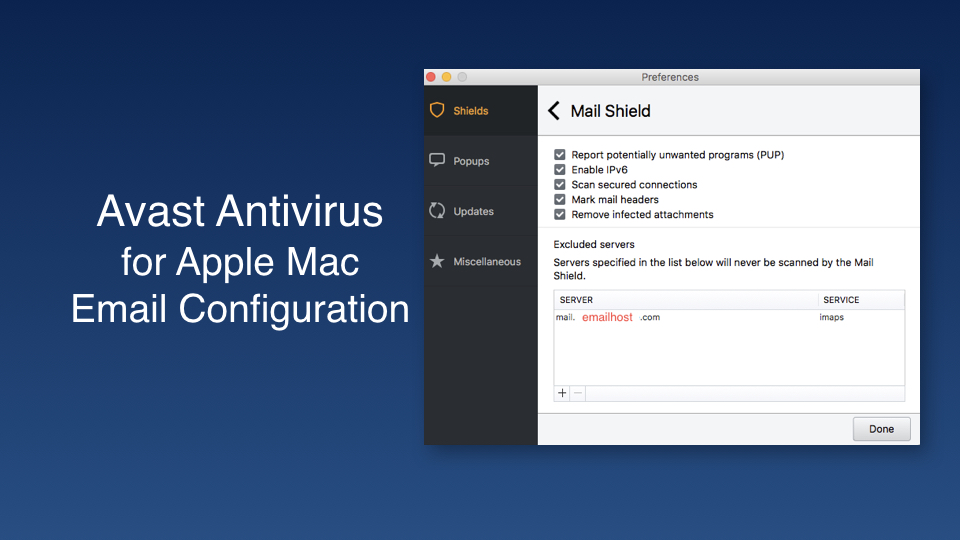
If you don’t care about scanning inbound emails, you can enter your email server address as an exception and Avast won’t try to scan emails from that server. See the example below. To find this screen, open Avast, choose Preferences, then select settings for the Mail Shield. Press the + button to add your mail server.
STEP 1 – Open Avast
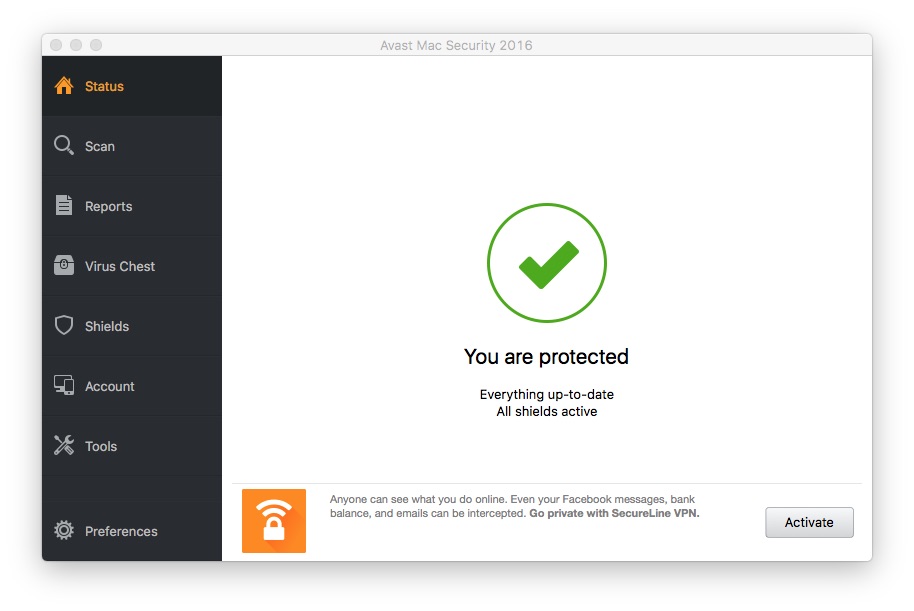
STEP 2 – CHOOSE PREFERENCES

STEP 3 – ADD YOUR EMAIL SERVER
Replace the example below with your own email host. Use POP or IMAP as needed.

 Iowa City Technology Services