Email Security and Encryption Interview with Fox News Affiliate

“On Monday, 25 July 2016, I was interviewed by our local Fox News affiliate on the topic of email security. The report is archived below, the original is online.” ~ Greg Johnson

Video

Full Report

CEDAR RAPIDS, Iowa (CBS2/FOX28) — Hackers have already disrupted the Democratic Party after releasing many damaging emails from the Democratic National Committee. They were embarrassing for party leaders and will likely result in at least the party chair stepping down this week.

But IT security for political groups and organizations at many different levels often balances on human error.

Running a campaign is a lot like a small business. There’s plenty of things to spend money on. With so much technology all around us, it’s often not an area where campaigns spend a lot of extra resources.

Physical protection is generally something we think politicians and their Secret Service Agents get right, especially at the highest levels.

Online, IowaCityTechnologyServices.com Director Greg Johnson says even they fall short.

“There are just so many points of failure,” said Johnson.

CBS2/FOX28 spoke to local campaigns and elected officials from both major political parties about their IT security. They say, generally, campaign staff email is handled through services like Google’s Gmail and some additional security options within those programs. Rarely will even the most Congressional races have a dedicated IT team to keep it safe.

“Just using Google, or some similar service, steps it up a bit, but it’s not entirely secure,” said Johnson.

Once a candidate is elected to Congress, their staff is brought on to Federal Government systems. That’s usually a step above most security, but Greg says it still doesn’t solve human carelessness.

“All it takes is for one person to lose their computer or have one person get their password and suddenly, that person has access to all those emails that somebody was copied on, or anything they’ve ever sent or received,” said Johnson. “It would be a huge collection of emails just from one account getting breached.”

Greg says there is encryption software that would make sure emails and information is locked and can only be accessed by someone with the right password. He says that can be free, or be as expensive at $175.

Square: Here’s Why You Need a Credit / Debit Card Reader (Videos)

Having the ability to receive credit card payments is very helpful — not just for those running a small business, but for anyone wanting to receive a payment from someone. These days people are less likely to carry cash or a checkbook. Cards and smartphones are becoming a more common currency tool.

Merchants sometimes issue refunds, rebates, or rewards on prepaid non-reloadable debit/credit cards. If you’d rather cash out the money, you can use a credit card processing device to get the money into your bank account.

There are several providers of credit/debit card processing readers: PayPalSquareUp, and Intuit (the QuickBooks people).

Square Card Readers

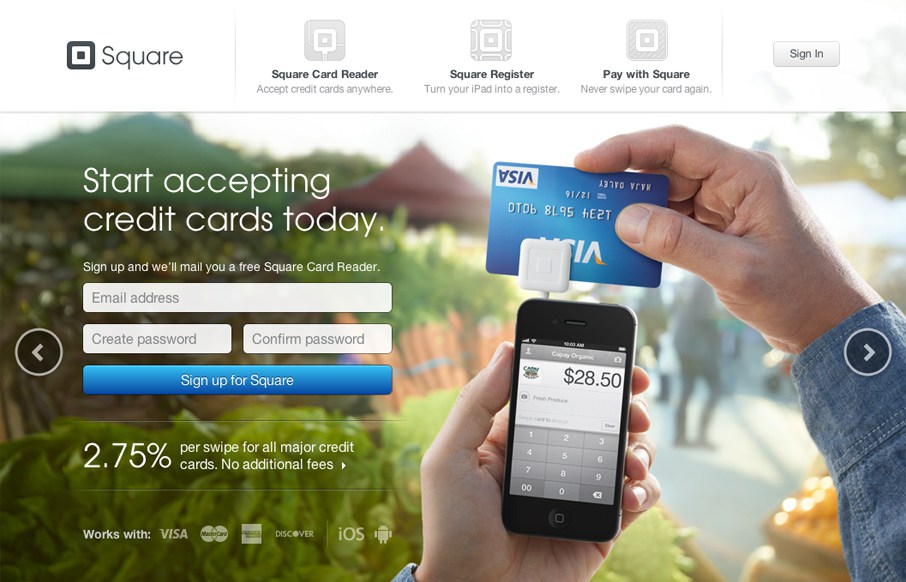
SquareUp (Square) is one of the most popular services and offers a very elegant retail ‘cash register’  with card reader that holds an iPad. There is also a bluetooth reader available for Apple Pay and cards with chips.

Learn More

20160131su-square-squareup-credit-card-processing

SquareUp Videos

The Barbershop Club


Register Overview


Accepting Chip Card Payments with the Square Contactless and Chip Reader


Getting Started with the Square Contactless and Chip Reader


Everything you need to know about EMV (Chip Cards)

Tavi Gevinson and IBM Watson on Trendspotting (Video)

Introductory Welcome Video for Mozilla Firefox 38.0.5

[vimeo https://vimeo.com/129896165]

On 2 June 2015, Mozilla released Firefox 38.0.5 with a few new features including:

  • Keep track of articles and videos with Pocket
  • Clean formatting for articles and blog posts with Reader View
  • Share the active tab or window in a Hello conversation

For more about the benefits of Firefox, visit https://www.mozilla.org/en-US/firefox/desktop/

Setup and Use Apple Mac Handoff in iOS and OS X Yosemite

Handoff is one of the new Continuity features introduced in iOS 8 and OS X Yosemite, letting users begin a task on one device and seamlessly pick it up on another.

To use Handoff, you must login to iCloud on your Apple computer and iOS device first and have the feature turned on. On Apple computers, this is found under Settings > General. On Apple mobile devices, this is found under Settings > General > Handoff & Suggested Apps.

Handoff may already be on by default. If so, you may have noticed alerts for incoming phone calls on your computer screen or you may have noticed a small icon in the lower left corner of your iPhone (or iPad/iPod) lock screen. This icon indicates that a supported app/program is running on your desktop Apple computer and you can access the same app and whatever file or task you were doing in the identical spot. On the desktop computer, you may notice an additional icon to the left of the Dock.

There are probably many specialized programs on either your computer or iOS mobile device. The Handoff feature only works with selected programs that are on both systems such as Pages, Keynote, Numbers, and the Safari or Chrome browsers (for example).

Video

Below is a video by MacRumors showing how to setup and use Handoff.

Domo Business Intelligence Systems Offer Live Analytics and Charting

The videos below offer an introduction to Domo business intelligence systems which offer live analytics and charting for meaningful and actionable data aggregation and analysis.

How ShareThis uses Domo

How Sage uses Domo

How Coverhound uses Domo

How Bohme uses Domo

How Arizona State University uses Domo

Domo Launch Party (2011)

Web 2.0 Summit 2011 Josh James

goTenna Personal Long-Range Public Mesh Network

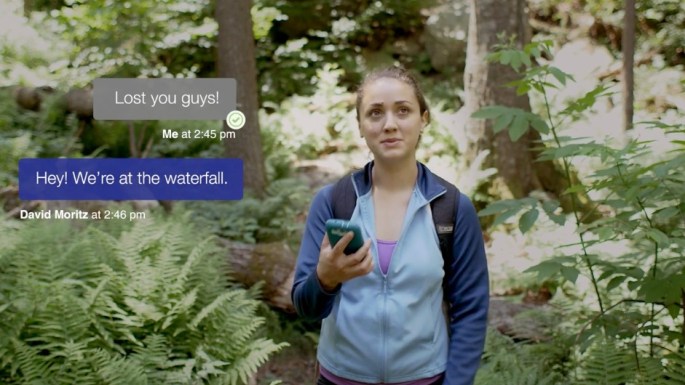
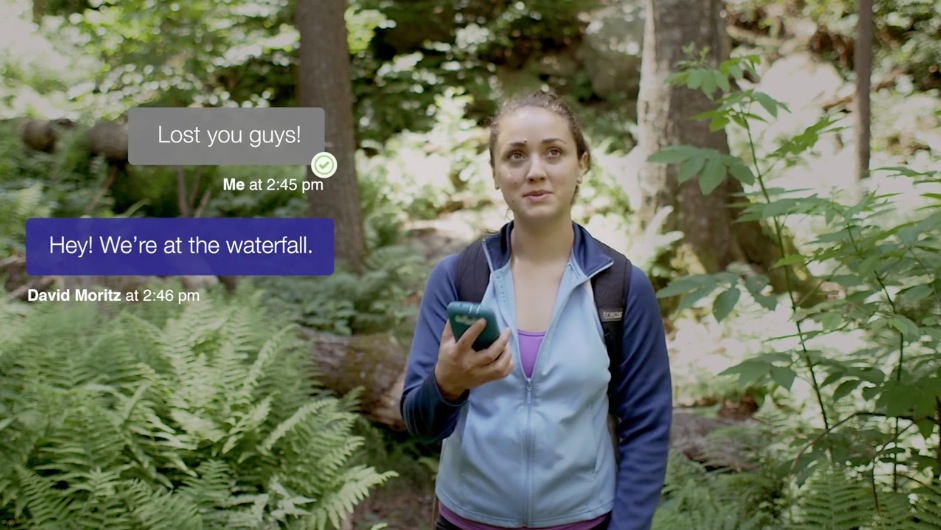
A new product called goTenna lets two or more people create a publicly owned wide area phone network for text messaging.

Even without access to mobile services, the goTenna network will operate as a mesh multi-node peer-to-peer network.

You can visit the GoTenna website, and support the product by purchasing two devices for half price.

“goTenna pairs wirelessly with your smartphone, enabling you to text and share your location with anyone who has the device even if you don’t have service. No towers, routers or satellites required!”

20140718fr-gotenna-mesh-personal-public-wide-area-network